

Imagine this: You’ve just spent thousands of pounds on a high-end PC. You have the latest RTX graphics card, a lightning-fast processor, and enough RAM to power a small city. You fire up your favorite game, expecting to be blown away. But something feels off. The movement looks blurry, the colors seem washed out, and you keep losing gunfights you know you should have won.
The problem isn't your PC. It’s your monitor. Most gamers treat their display as an afterthought, but it is actually the most important part of your setup. It is the window into your virtual world. If your window is dirty, small, or laggy, your entire gaming experience suffers. Choosing the best gaming monitor isn't just about picking a screen; it's about unlocking the true potential of your hardware.
In this gaming monitor buying guide, we will break down everything you need to know to make a smart investment. From refresh rates to panel types, we’ll help you find the perfect gaming monitor for PC setups at Elyamama Store, ensuring you never settle for a mediocre view again.
Why Your Current Monitor is Holding You Back
If you are still using a standard 60Hz office monitor for gaming, you are playing at a massive disadvantage. In competitive games like Valorant, CS2, or Call of Duty, milliseconds matter. A standard monitor updates the image 60 times per second. A best monitor for gaming can update up to 240, 360, or even 540 times per second.
This "bottleneck" causes ghosting—where you see a faint trail behind moving objects—and input lag. When you move your mouse, there’s a tiny delay before the action happens on screen. This frustration ruins the immersion and your stats. It’s time to move past the agitation of blurry visuals and step into the world of pro-level clarity.
Understanding Gaming Monitor Specs: The Big Three
Before you dive into the full collection at Elyamama Store, you need to understand the gaming monitor specs that actually impact your gameplay. Don't let marketing jargon confuse you. Focus on these three pillars:
1. Resolution: The Clarity Factor
Resolution determines how many pixels are on the screen. The more pixels, the sharper the image. However, higher resolutions require more power from your PC.
- 1080p (Full HD): The standard for competitive gaming. It’s fast and doesn't require an expensive GPU.
- 1440p (QHD): The "Sweet Spot." It offers significantly better detail than 1080p without being as demanding as 4K.
- 4K (UHD): For those who want the absolute best visual fidelity. Perfect for cinematic RPGs.
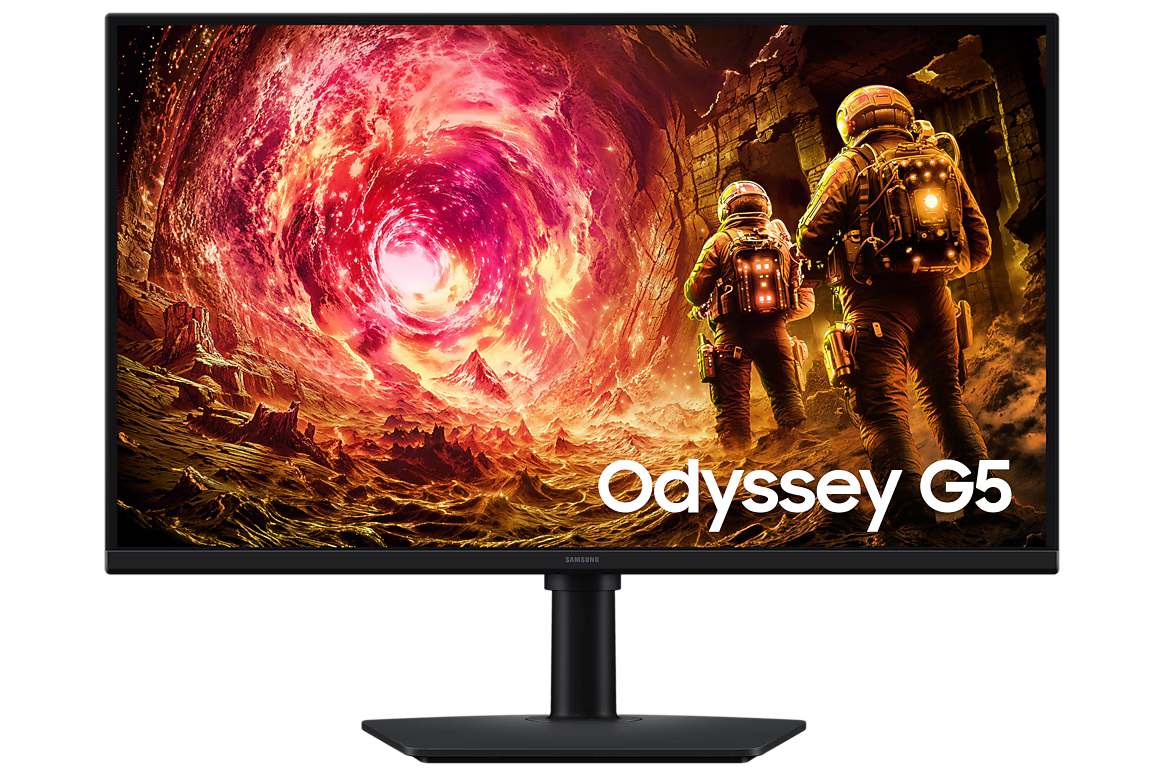
Samsung 32-inch Odyssey G5 G55C QHD
Looking for that perfect QHD balance? The Samsung Odyssey G5 offers 1440p resolution with a 165Hz refresh rate, giving you stunning clarity and smooth motion in one package.
2. Refresh Rate: The Smoothness Factor
Measured in Hertz (Hz), this tells you how many times the screen updates per second. For gaming, 144Hz is the modern baseline. If you are a competitive player, you should aim for 240Hz or higher. This is the core of any gaming display guide.
3. Response Time: The Speed Factor
Response time (measured in ms) is how long it takes a pixel to change colors. You want this as low as possible. Look for 1ms or lower to eliminate motion blur. High-end OLED monitors now offer speeds as low as 0.03ms!
"The difference between 60Hz and 144Hz is like seeing the world in slow motion for the first time. Once you switch, you can never go back."
Panel Types: IPS, VA, or OLED?
One of the most confusing parts of how to choose a gaming monitor is the panel technology. Each has its strengths and weaknesses depending on what games you play.
| Panel Type | Best For | Pros | Cons |
|---|---|---|---|
| IPS | General Gaming / Design | Great colors, wide viewing angles | Lower contrast than VA |
| VA | Cinematic Gaming / Movies | Deep blacks, high contrast | Potential for "black smearing" |
| OLED | Ultimate Performance | Instant response, infinite contrast | Expensive, burn-in risk |
| TN | Hardcore Esports | Fastest speeds for the price | Poor colors and viewing angles |
For the most immersive experience, many gamers are moving toward OLED technology. The Samsung Odyssey OLED G8 is a prime example, providing colors that pop and speeds that are virtually instantaneous.
Screen Size and Curvature: Immersion Defined
Size matters, but bigger isn't always better. If you sit close to your desk, a 24-inch or 27-inch monitor is ideal for 1080p and 1440p. If you want a 32-inch screen, you should definitely opt for 1440p or 4K to avoid seeing individual pixels.
Curved Monitors are very popular in the Egyptian gaming community right now. A curved screen matches the natural curvature of the human eye, reducing eye strain and making you feel like you are "inside" the game. This is particularly effective on ultra-wide displays like the AOC CU34G4 34-inch Curved WQHD.
Top Recommendations from Elyamama Store
To make your decision easier, we’ve categorized the best gaming monitors currently available at Elyamama Store based on your specific needs.
1. The Esports Professional's Choice
If your goal is to climb the ranks in competitive games, you need raw speed. The BenQ Zowie series is the gold standard used by professionals worldwide. For those who want the absolute peak of performance, the BenQ Zowie XL2586X offers a mind-blowing 540Hz refresh rate. It eliminates every bit of blur, giving you a clear view of your targets.
2. The "Best Value" Mid-Range King
You don't need to break the bank to get a great experience. The AOC Q27G4Z 27-inch QHD 260Hz is an incredible option. It combines a sharp 1440p resolution with a very high 260Hz refresh rate, making it perfect for both beautiful RPGs and fast-paced shooters.
3. The Immersive Giant
For those who want to replace their TV and have the ultimate "battlestation," the Samsung Odyssey Neo G9 57-inch Dual 4K is in a league of its own. It’s like having two 4K monitors fused into one massive, curved masterpiece. It’s a significant investment, but it changes the way you interact with your PC forever.
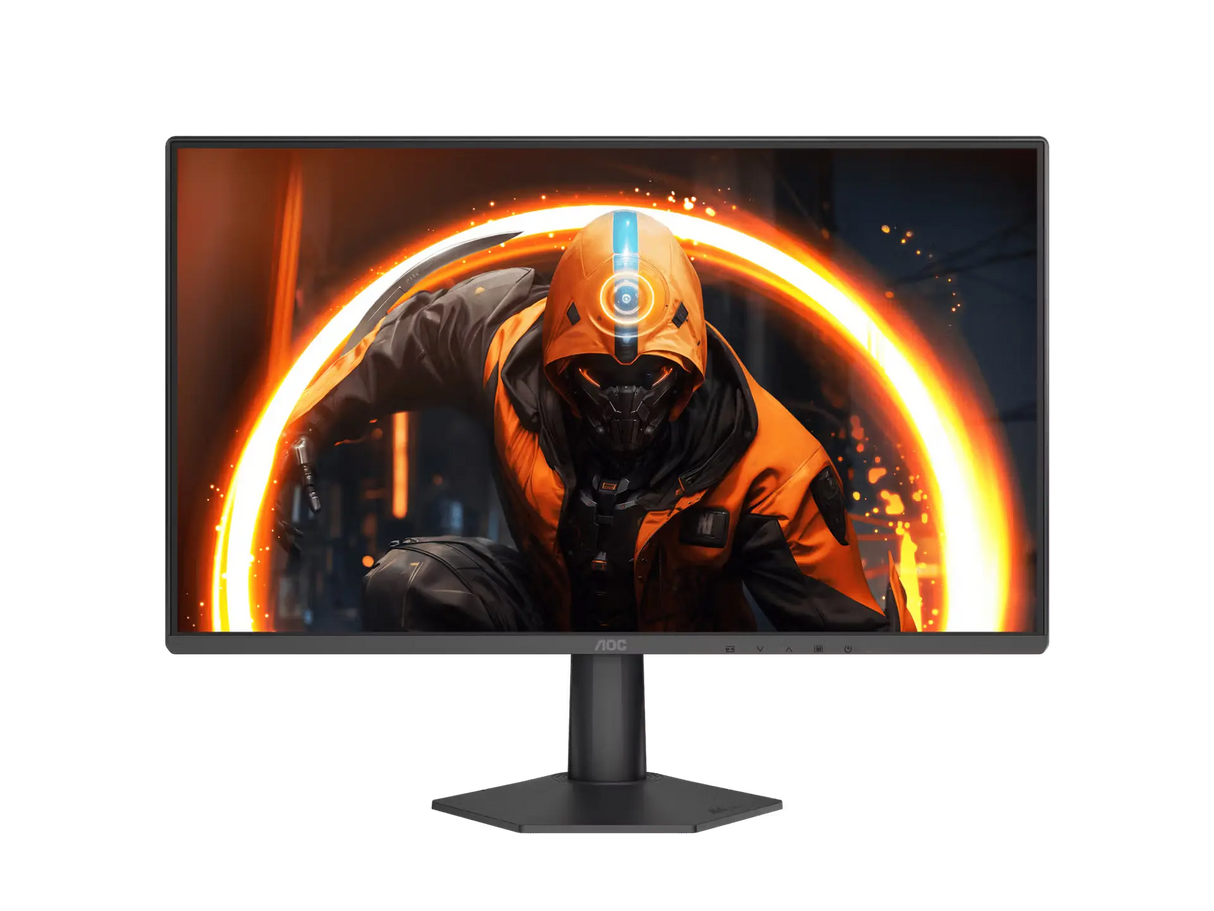
AOC 24G50Z 23.8" Fast IPS 240Hz
Perfect for tight setups and competitive play. This monitor provides the speed of 240Hz on a Fast IPS panel, meaning you get great colors without sacrificing a single frame.
Don't Forget These Critical Features
A monitor buying guide isn't complete without mentioning the "hidden" features that make a daily difference.
- Adaptive Sync (G-Sync/FreeSync): This technology synchronizes your monitor's refresh rate with your GPU's output. It prevents "screen tearing," where the image looks like it's being ripped in half. According to NVIDIA, G-Sync is essential for smooth gameplay.
- HDR (High Dynamic Range): This improves the contrast between the brightest whites and darkest blacks. Look for "DisplayHDR 400" or higher for a noticeable difference.
- Eye Care Technology: Since we spend hours gaming, features like "Low Blue Light" and "Flicker-Free" are vital. BenQ is a leader here with their Eye-Care series, which keeps your eyes fresh even during marathon sessions.
- Connectivity: Ensure the monitor has DisplayPort 1.4 or HDMI 2.1 if you want to push high resolutions and refresh rates simultaneously.
How to Choose a Gaming Monitor Based on Your Budget
We understand that every gamer has a different budget. Here is a quick breakdown to help you navigate the PC gaming monitor category:
- Entry Level (Under 10,000 EGP): Focus on 1080p and 100Hz-144Hz. The Redragon Azur III 24" 200Hz is a fantastic budget-friendly beast.
- Mid-Range (15,000 - 25,000 EGP): This is where 1440p 165Hz-180Hz lives. Look at the BenQ Mobiuz EX271Q for incredible color and sound.
- High-End (30,000+ EGP): Here you find 4K, OLED, and Ultra-wide displays. The Samsung Odyssey OLED G6 is the pinnacle of this category.
Final Thoughts: Invest in Your Vision
Choosing a gaming monitor for PC is the single best upgrade you can make for your gaming life. It’s the component you look at every single second you use your computer. Whether you want the competitive edge of a 540Hz BenQ Zowie or the breathtaking beauty of a 4K Samsung Odyssey, the right choice is waiting for you.
Stop settling for blurry motion and dull colors. Your games deserve to be seen the way the developers intended. Head over to Elyamama Store today and explore our curated selection of the world's best gaming displays. With fast shipping and genuine warranties, we are here to help you build the ultimate setup.
Frequently Asked Questions (FAQ)
Is 27 inches too big for 1080p?
For most people, 27 inches is the limit for 1080p. At this size, the pixels become more visible (lower pixel density). If you want a 27-inch monitor, we highly recommend going for 1440p (QHD) for a much sharper image.
Does refresh rate actually matter for non-competitive games?
Yes! Even in single-player games like Assassin's Creed or Cyberpunk 2077, a higher refresh rate makes the camera movement feel significantly smoother and more lifelike. It reduces eye strain and makes the world feel more solid.
What is the difference between G-Sync and FreeSync?
G-Sync is NVIDIA’s technology, while FreeSync belongs to AMD. Most modern monitors are "G-Sync Compatible," meaning they work with both types of graphics cards. Always check the specs to ensure compatibility with your specific GPU.
Are curved monitors better for gaming?
It’s a matter of preference. Curved monitors are excellent for immersion and comfort, especially on wide screens. However, for professional photo or video editing on the side, some prefer flat screens to ensure straight lines don't look distorted.
Can I use a gaming monitor for office work?
Absolutely. In fact, gaming monitors are often better for work because the higher refresh rate makes scrolling through documents and moving windows feel much smoother. Models like the BenQ GW2790Q are designed specifically to bridge the gap between gaming and professional eye-care.